
In this article, you'll learn how to:
- Log on to the Author Training platform for the first time
To access Amplifire Author Training, you must first log in. Open the Amplifire welcome email and click on the begin learning button to access the log in screen.
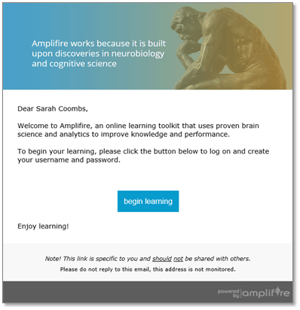
If you did not receive this email, reach out to your Client Solutions Manager.
On the log in screen, you’ll be asked to create a username and password and then log in using those credentials. Your username is usually your email address.
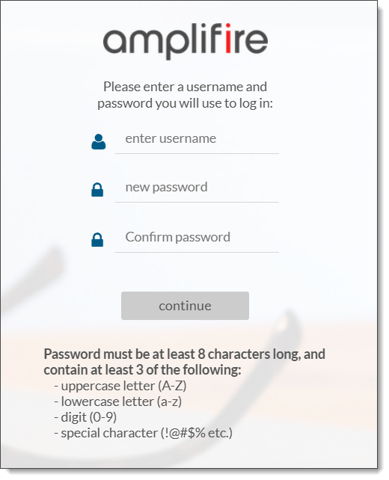
Note: Bookmark the URL after you create a username and password so you can easily navigate back to the log-in screen.
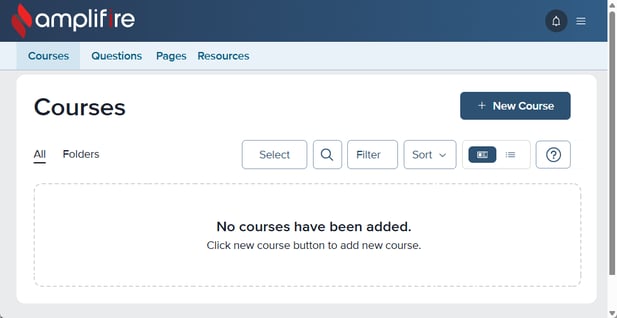
After logging in, you’ll see the following screen:
To begin creating courses and using them to improve learner understanding, check out: